Research guide. WhiskerFinds may earn a commission from links, at no extra cost to you.
Quick answer: A good cat camera is usually a simple pan and tilt camera with night vision and two-way audio, because most cats don't need a treat tosser. Our top pick is the Tapo C200, which the listing says stores footage on a microSD card with no recurring monthly fees.
This guide compares four cat cameras on Amazon Australia and covers where to put one, why we left collar cameras out and what a camera can and can't tell you. If you share your home with a dog, our hub on the best pet cameras covers treat-tossing dog cams.
Quick picks
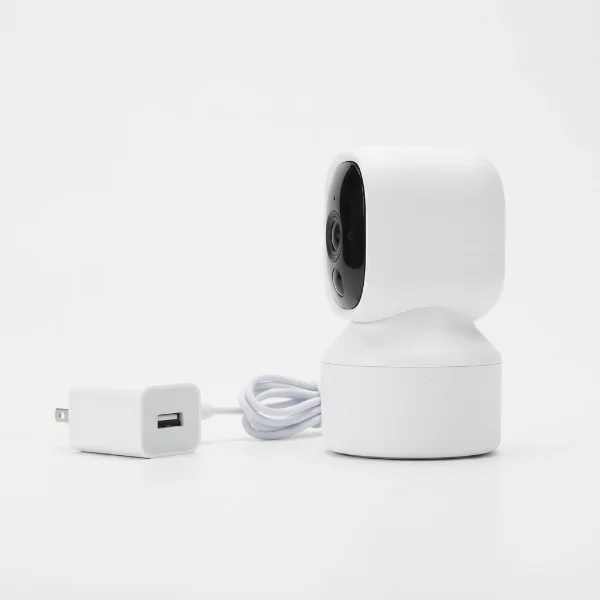
Tapo C200 pan and tilt camera
Pan and tilt, night vision and two-way audio
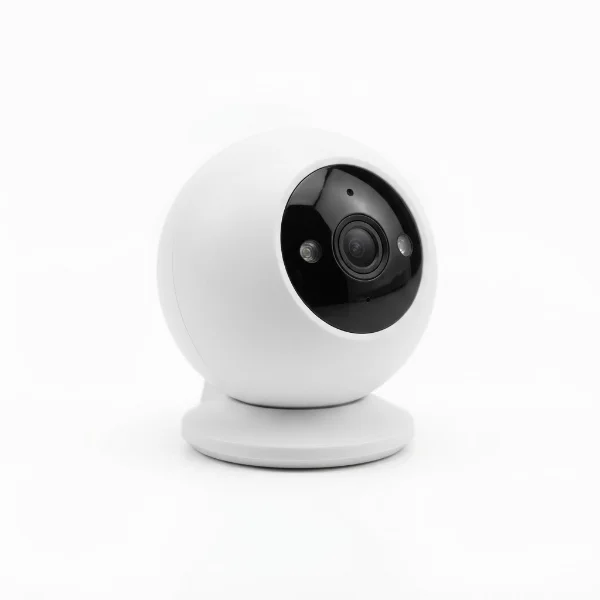
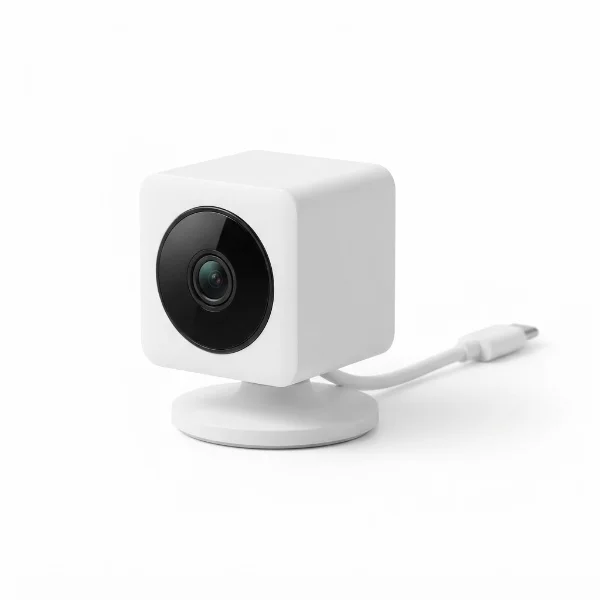
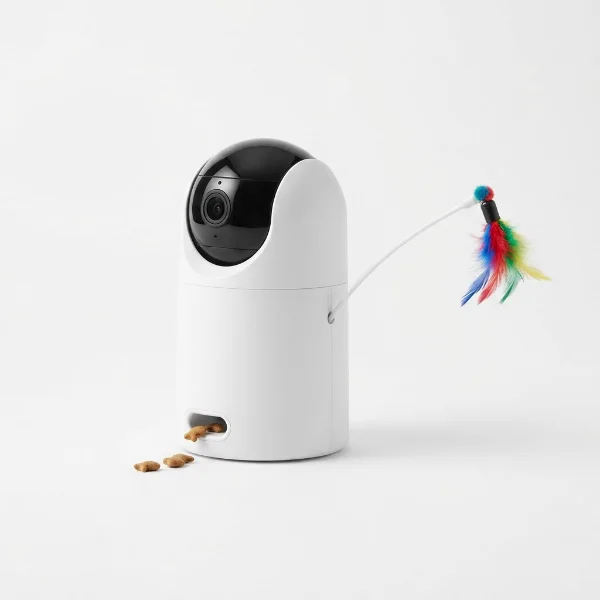
Furbo 360 cat camera
Rotating camera with a wand toy and treat tossing; subscription required per the listing

oneisall 3.5 L Wi-Fi feeder
An app-controlled feeder so meals can stay on a routine while you're out.

Catit Senses 2.0 Food Digger
A puzzle feeder that gives your cat something to work at, which is fun to spot on camera.
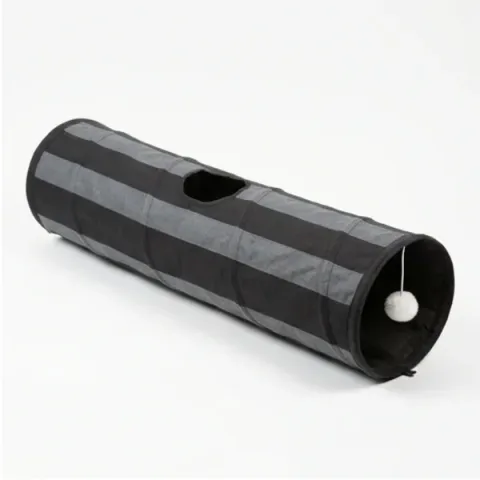
lionto cat tunnel
A play and hiding spot for your cat to explore.

Zakkart metal window perch
A window lookout that gives your cat a favourite spot to watch from, and a place to spot on camera.
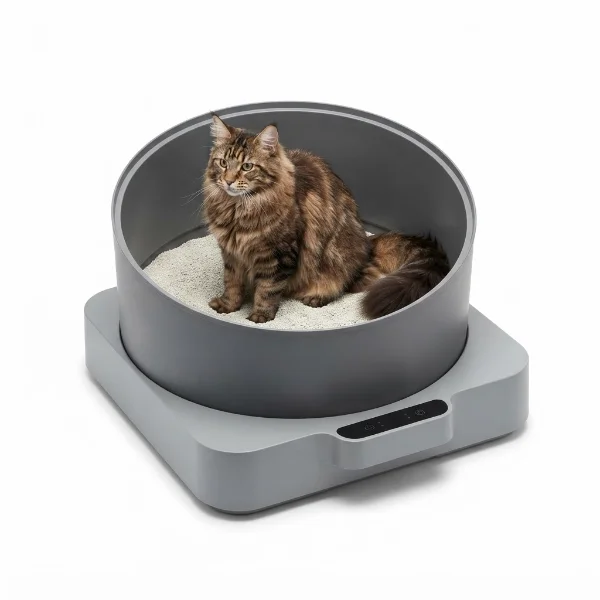
Neakasa M1 Plus automatic litter box
An automatic litter box for owners who want to keep an eye on toilet habits.

Catit Pixi fountain
A fountain that keeps fresh water on offer while you're out.
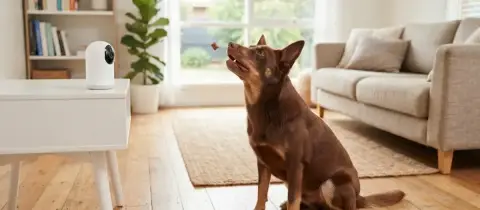
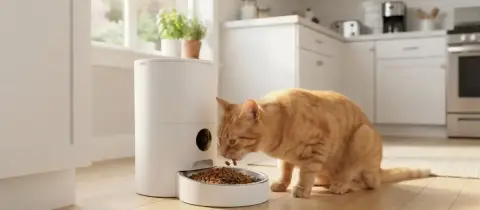
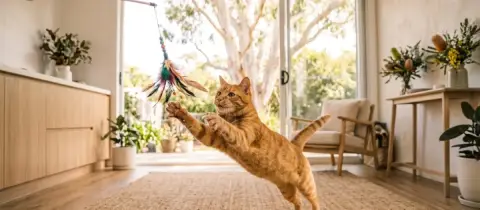
Pictures are illustrations, not the actual products.
If you want a feeder and a camera in one box, see our guide to pet feeders with a camera.
Do you need a special camera for a cat?
Usually no. A cat camera is a normal indoor Wi-Fi camera that gives you a clear view, night vision and a way to say hello. Treat tossers and wand toys are extras. Many cats do fine with a simple pan and tilt camera, and treats count toward your cat's daily food.
Cats move differently from dogs. They nap in odd spots, climb and hide, so a camera that turns to follow them is often more useful than a wide fixed view. Look for pan and tilt, night vision (many cats are busy at dawn, dusk and overnight) and two-way audio. If you do want treats, keep them small and take them out of the day's meals.
Where to put a cat camera
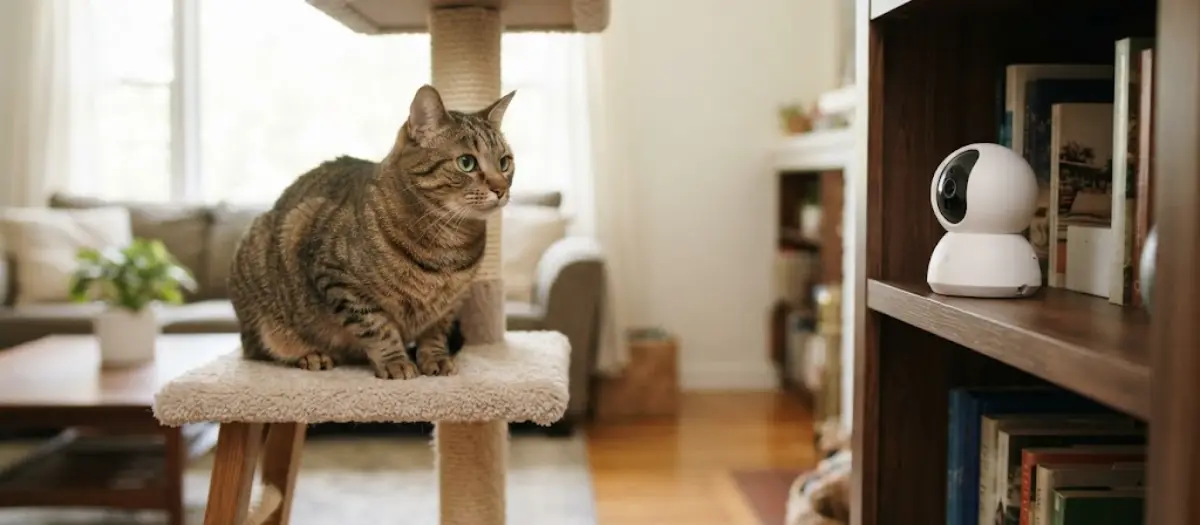
Put it up high and out of reach, on a high shelf or a wall mount, with a view of the places your cat sleeps, eats and uses the litter box. Keep the cord short and tidy, because cats and kittens chew cables. Avoid direct sun and windows that cause glare.
Cables are the main hazard. Run the cord along the wall, use tubing, or choose a spot close to a power point so there is no slack, and unplug the camera if your cat chews cords. Our kitten proofing guide has more on cords. Point the camera away from bathrooms and bedrooms, and don't leave a camera where a cat could knock it onto the floor.
Our picks in detail
1. Tapo C200 pan and tilt camera: best overall
A plug-in indoor camera that turns to look around the room. The listing gives 1080p video, a 360 degree pan and tilt, motion detection with tracking, infrared night vision (listed at 10 m in the details) and two-way audio. The listing says footage can be stored locally on a microSD card up to 512GB with no recurring monthly fees, and also mentions cloud storage. It doesn't say a card is included, so check before you buy.
- Pros: pan and tilt; night vision; two-way audio; motion tracking; local storage per the listing
- Cons: the microSD card isn't mentioned as included; plug-in power only, so cord care matters; a plain look with no treat or toy features
- Best for: cat owners who want a straightforward camera to check in on a cat across the room
- Skip it if: you want a camera that tosses treats or runs a toy
2. MUBVIEW 2K pan and tilt camera: best 2K camera
A dome camera with a sharper picture. The title says 2K and pan tilt, the details list 3 MP, and the bullets mention human detection and automatic motion tracking, two-way audio and four infrared lights, with night vision listed at 8 m. The listing says you can save video to a storage card (not included) or the cloud. The cord is listed as 1.7 m. The title says it works on 2.4 or 5GHz Wi-Fi.
- Pros: 2K picture; pan and tilt; two-way audio; storage card or cloud; lets you share with family; 2.4 or 5GHz Wi-Fi per the title
- Cons: the listing is written mostly for baby monitoring; the storage card is not included; the listing doesn't spell out what cloud storage costs; a short 1.7 m cord
- Best for: owners who want a sharper picture to check on a cat's eating or litter habits
- Skip it if: you'd rather buy from Amazon AU directly, or you want to know about cloud costs before you buy
3. Petcube Cam: best simple fixed camera
A small fixed camera for people who want something simple. The listing gives 1080p video, a 110 degree wide-angle view, night vision listed at 30 feet, two-way audio, motion and sound alerts and 8x zoom. It doesn't mention pan and tilt, so you aim it by hand. The listing is mixed on a few details (it says outdoor use and also not water resistant, and mentions batteries), so treat it as an indoor camera and check the box contents. Our Petcube guide compares the Petcube models.
- Pros: simple setup; wide view; night vision; two-way audio; sound and motion alerts
- Cons: fixed view, so it can't follow your cat; the listing has conflicting details on outdoor use and batteries; it doesn't mention a subscription either way
- Best for: a one-room setup, such as a cat who lives mostly in the lounge
- Skip it if: you want pan and tilt, or a camera that turns to follow your cat
4. Furbo 360 cat camera: best for play and treats
A rotating camera made for cats. The listing says it has a 360 degree view, colour night vision, two-way audio, treat tossing, a cat wand toy and AI meow alerts. It also says a Furbo Nanny subscription is required to activate the camera, and that if you cancel, core functions such as live view, two-way audio and treat tossing stay active. It uses 2.4GHz Wi-Fi (5GHz isn't supported), and the listing says the brand recommends 2-step verification. See our Furbo guide for the full range.
- Pros: made for cats; wand toy and treat tossing; colour night vision; two-way audio; meow alerts
- Cons: a subscription is required at setup per the listing; 2.4GHz Wi-Fi only; the listing gives a short night vision range of 5 feet; a larger tabletop unit; a plug-in cable to manage
- Best for: owners who want play and a few treats built in, and are fine with a subscription
- Skip it if: you don't want a subscription, or your cat gets scared of moving toys
Cat cameras compared
Details from each Amazon Australia listing, checked on 1 Nov 2026.
| Camera | Pan and tilt | Resolution | Night vision | Subscription per listing |
|---|---|---|---|---|
| Tapo C200 | Yes, 360 degree pan and tilt | 1080p | Infrared, listed at 10 m | None needed; microSD card or cloud |
| MUBVIEW 2K | Yes, per the title | 2K (3 MP) | Infrared, listed at 8 m | Not stated; microSD card or cloud |
| Petcube Cam | Not mentioned; 110 degree view | 1080p | Infrared, listed at 30 feet | Not mentioned on the listing |
| Furbo 360 cat camera | Rotating, 360 degree | 1080p | Colour night vision | Required at setup |
How we chose
We searched Amazon Australia for cat cameras and pet cameras, then shortlisted ones that met all of these checks:
- Well rated: a strong average rating with plenty of buyer reviews.
- No red flags: no pattern of poor reviews, safety complaints or listing problems.
- Available on Amazon Australia when we checked.
- Night vision stated on the listing.
- Pan and tilt or a wide field of view, so you can find your cat.
- Two-way audio stated on the listing.
- Subscription wording clear on the listing, so you know what you are signing up to.
These are researched picks, not products we've personally tested. We compared the specifications and features shown on each Amazon Australia listing, checked on 1 Nov 2026. We didn't accept payment from any brand, and no brand saw this page before it was published.
Left out this time: cat collar cameras (they add weight to a cat's neck), cameras that rely on a laser dot for play, and a budget camera whose listing didn't pass our checks.
Cat collar cameras: why we left them out
Collar cameras add weight and bulk to a cat's neck. International Cat Care recommends a snap-open collar that releases if your cat gets trapped, and advises against any elastic section. A camera adds weight the collar wasn't designed for, and a listing can't tell you whether the buckle still releases cleanly with it attached. We didn't find one that passes our checks.
International Cat Care (updated 26 September 2025, page read 1 November 2026) says a collar should be snug with room for just one or two fingers, and should be rechecked after a few minutes (International Cat Care). That is hard to guarantee with a camera attached. Our cat collar guide covers breakaway collars that are safer for everyday wear. A shelf camera gives you the same view without the neck weight.
Lasers, wands and treats
Laser dots aren't a good fit for cats. RSPCA NSW advises against laser pointers because they can leave cats confused or frustrated. If your camera has a toy, a wand your cat can catch is a better choice, and treats from any camera count toward the day's food.
RSPCA NSW (page read 1 November 2026) says laser pointers, hands and feet shouldn't be used as toys (RSPCA NSW). The Furbo listing says its cat camera uses a wand toy, not a laser. Remote play can be fun, but it shouldn't replace time with you. Our cat toys guide and cat enrichment page have ideas for play that ends with something your cat can catch. Never leave string or ribbon toys out when you're away.
What can a cat camera tell you, and what can't it?
A cat camera shows patterns, not a diagnosis. You can see when your cat eats, sleeps, plays and uses the litter box, and whether that changes over days. It can't tell you why. If something looks different, note it and call your vet.
Use the footage as a record. A short clip of limping, straining or odd breathing can help your vet. A camera can't treat boredom or stress either. Cats that seem lonely may need more play, climbing and hiding spots, which our cats enrichment page covers. Privacy matters too. The UK National Cyber Security Centre's advice, shared by CISA (page read 1 November 2026), is to change default passwords, keep software updated and turn off remote access you don't use (CISA). Turn on two-step login where the app offers it.
When to see a vet
Call your vet if the camera shows your cat straining in the litter box, crying, hiding for long periods, breathing with effort, vomiting or limping. Footage can help, but it can't replace an exam.
See a vet if your cat stops eating for more than a day, or if eating, drinking or toilet habits change. Cats can hide illness well.
Cameras don't treat anxiety. If your cat seems distressed when you're out, talk to your vet about it. See our cats enrichment page for ideas, and our kitten proofing guide for cord safety.
Frequently asked questions
Can I talk to my cat through a camera?
Yes, if the camera has two-way audio. All four cameras in this guide list it. Your cat may come to your voice, ignore it or look around for you. Keep it short and calm, and watch how your cat responds. If they seem unsettled, stop using it.
Do cats get scared of pet cameras?
Some can. A new object, a small red or blue light or a moving toy may worry a nervous cat. Place the camera somewhere your cat can approach in their own time, turn off the status light if the app allows, and introduce toys gently. Results vary from cat to cat.
Are cat collar cameras safe?
We don't recommend them. A camera adds weight to a collar, and International Cat Care recommends a snap-open collar that releases if your cat gets caught. A camera makes that harder to guarantee. A camera on a shelf gives you a similar view without the weight on your cat's neck.
Do cat cameras need Wi-Fi?
Yes, most do. The cameras in this guide connect over Wi-Fi to a phone app. The Furbo listing says 2.4GHz only, the Tapo lists single-band Wi-Fi, and the MUBVIEW title says 2.4 and 5GHz. Check your router's band before you start. A camera with a microSD card can record locally, but you still need Wi-Fi to watch live.
Is a Furbo good for cats?
It can be, if you want a wand toy and treat tossing. The Furbo 360 cat camera listing says it is made for cats and needs a subscription at setup. If you just want to watch and talk to your cat, a simpler camera may do. See our Furbo guide.
Can a camera help a lonely cat?
A camera lets you check in and say hello, but it doesn't fix loneliness. Cats do better with play, climbing, window views and a routine, plus company when you're home. If your cat seems unhappy when alone, see our cats enrichment page and talk to your vet.
Can I use a cat camera to watch the food bowl?
Yes, aim it at the bowl and the litter box so you can notice changes in eating. A feeder with a built-in camera can help too, though a feeder doesn't replace checking your cat eats. See our feeder with camera guide.
Related guides
- Best pet cameras
- Furbo cameras compared
- Petcube cameras compared
- Pet feeders with a camera
- Best cat collars
- Kitten proofing your home
- Cat enrichment
Sources
- International Cat Care: Should my cat wear a collar? (updated 26 September 2025, page read 1 November 2026)
- RSPCA NSW: What does enrichment mean? (page read 1 November 2026)
- CISA: NCSC releases advisory on securing internet-connected cameras (page read 1 November 2026)
- Product details from each linked Amazon Australia listing, checked on 1 Nov 2026.
This guide provides general information and isn't a substitute for veterinary advice. If you're concerned about your cat's behaviour or health, speak with your vet.