Research guide. WhiskerFinds may earn a commission from links, at no extra cost to you.
Quick answer: For most dog owners who want a treat-tossing camera, the Furbo 360 dog camera is the pick in this Furbo review. It rotates, tosses treats and has two-way audio. Its listing says you must choose a subscription plan for the camera to work, so if you don't want one, look at the eufy camera further down.
This is a research guide. We compared the Amazon Australia listings, and we haven't used these cameras ourselves. If you're still deciding between brands, start with our pet camera guide, then come back here to choose between the Furbo models.
Quick picks
Furbo 360 dog camera
Rotating 360 degree view, 1080p, treat tossing
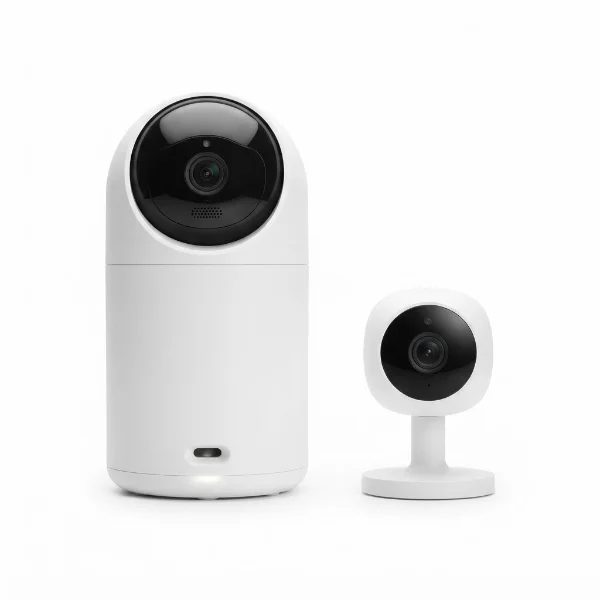
Furbo 360 dog camera and Mini bundle
Two cameras, one rotating and one wide-angle
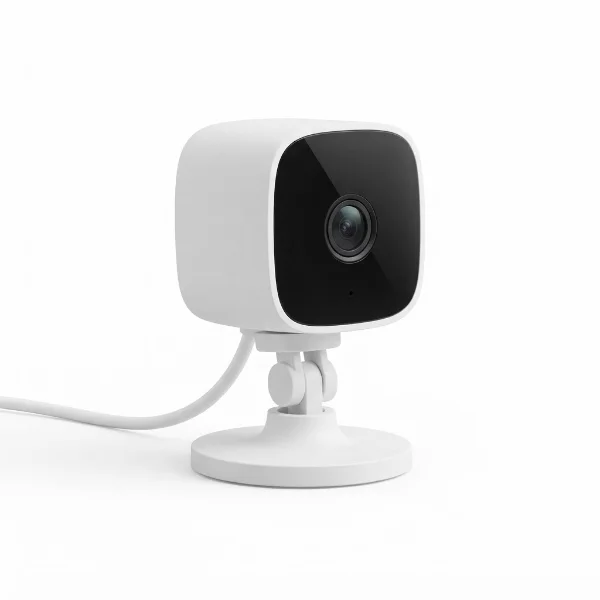
Furbo Mini pet camera, 1080p
Compact, wall or tabletop mount, auto tracking
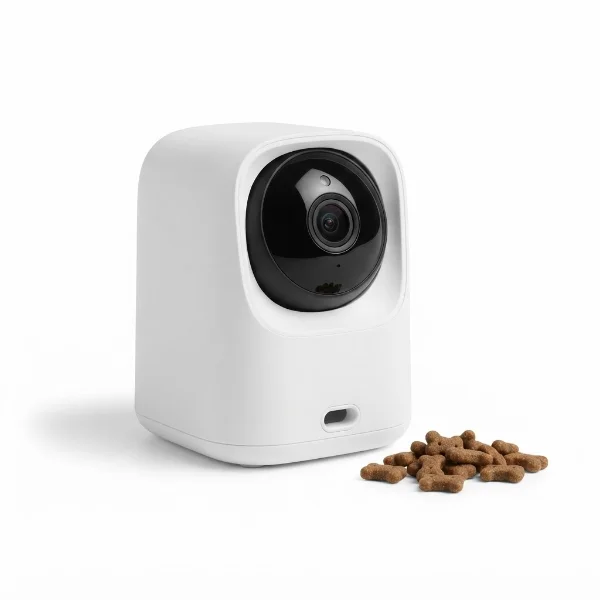
Furbo Mini 360 2K pet camera
Rotating 360 degree view with a smaller treat tosser
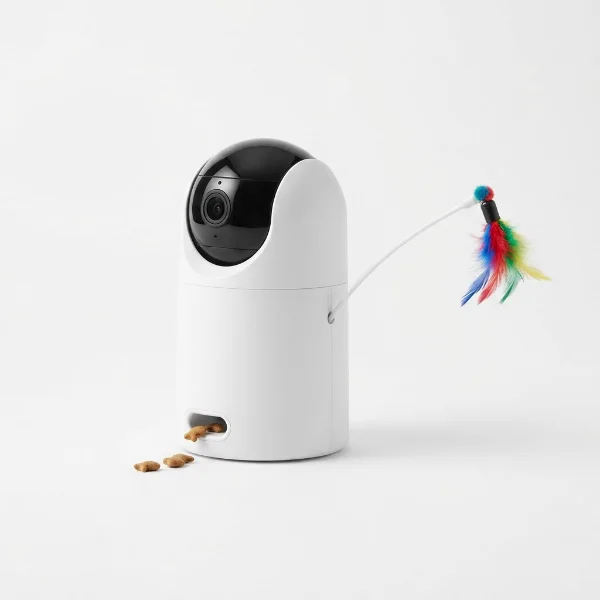
Furbo 360 cat camera
Rotating camera with treat tossing, listed with a cat wand toy
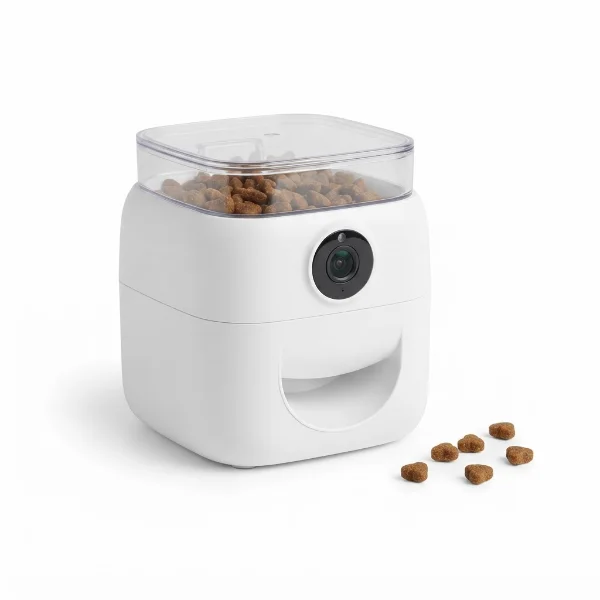
Petcube Bites 2 Lite
A pet camera with a treat tosser, an alternative to Furbo.
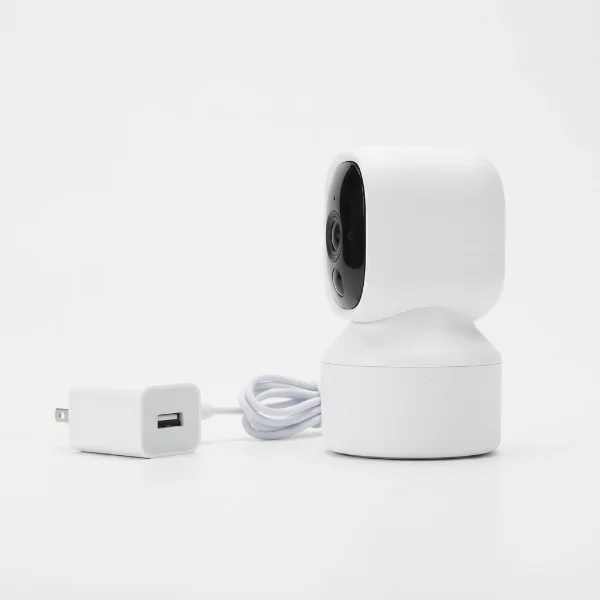
Tapo C200 pan and tilt camera
A home camera with no treat tosser, for owners who just want to check in.
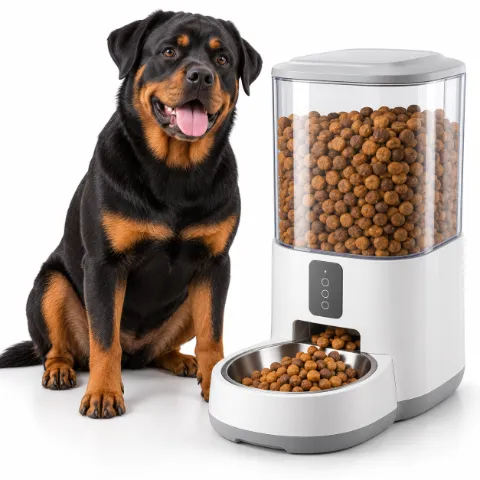
MOLLY&CODY 14 L automatic dog feeder
A timed feeder for dogs whose meals fall while you're out.
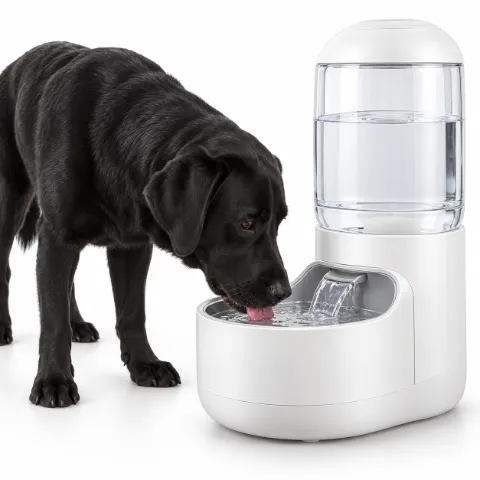
PETLIBRO Capsule 8 L dog water fountain
A large fountain that keeps fresh water available while you're away.
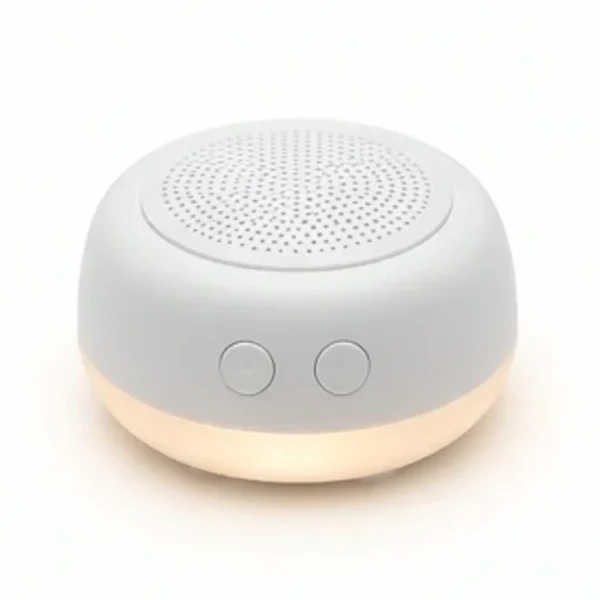
Easysleep white noise machine
Steady background sound can soften street noise that sets some dogs off.

rabbitgoo frosted window film
Blocks the view of passers-by for dogs who bark at what they see through the glass.
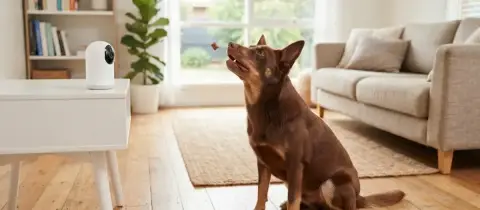
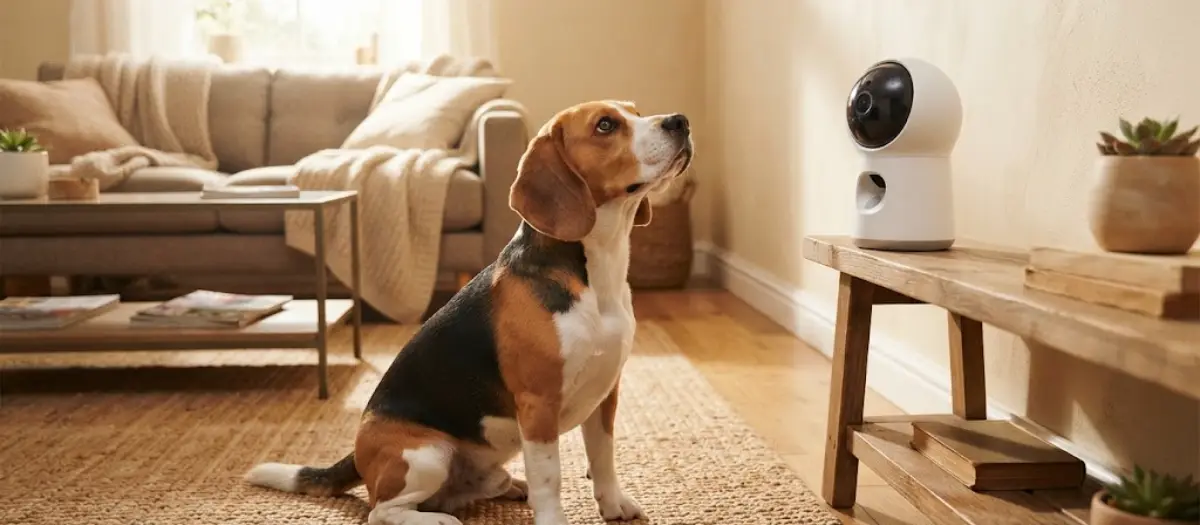
Pictures are illustrations, not the actual products.
Every Furbo here has the subscription wording in its listing title or features, so read the subscription section before you buy.
Is Furbo worth it in Australia?
It can be, if you want to check on your dog, talk to them and toss a treat, and you're happy to pay for the Furbo Nanny plan the listings say is needed at setup. It isn't worth it if you want no ongoing plan, and it's a check-in tool, not a fix for a dog who struggles alone.
Furbo is a good fit for a dog who is settled alone and a household that wants to peek in at lunchtime. Look at it differently if you want continuous recording to a memory card, or if you'd rather not manage an account and a plan. The listings also make a few claims about separation anxiety, but a camera and a treat don't treat it. If your dog howls, paces or panics when you leave, see is my dog bored? and talk to your vet.
What works without a Furbo subscription?
Not much at first. Every Furbo listing here says a subscription is required, and four of the five say a paid Furbo Nanny plan is needed at setup to activate the camera. Those listings add that if you cancel, live view, two-way audio, treat tossing and barking alerts remain active, while smart alerts and video history come with Nanny.
Here is what the listings say:
- Furbo 360 dog camera: the title says "Subscription Required", and a feature line says you choose a plan once it's on your Wi-Fi so the device will work.
- Bundle, Mini and Mini 360 2K, and the cat camera: the listings say a paid Furbo Nanny subscription is needed at setup to activate the camera. They also say that if you cancel later, core functions such as live view, auto tracking, two-way audio, treat tossing and barking alerts stay active.
- Plan details: the listings describe monthly plans with a three month minimum and yearly plans, with an extra charge for each added camera. We don't print prices, so check the listing on the day. In plain words: you'll probably need to subscribe to get the camera going, and the paid features are mainly the smarter alerts and the saved video history. Plans and features change, so check the listing and the Furbo app before you commit.
Our picks in detail
1. Furbo 360 dog camera: best overall
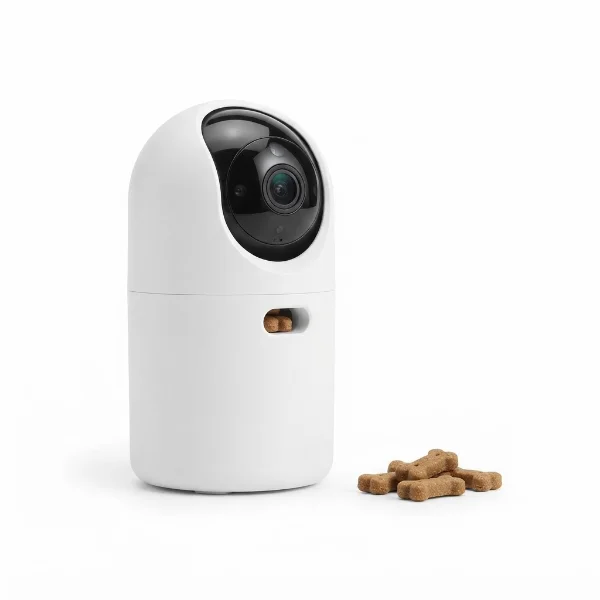
A rotating dome camera with a 360 degree view, 1080p video, colour night vision, two-way audio and treat tossing. The listing also names barking alerts, 4x digital zoom and Alexa support. It plugs into power, is for indoor use and is listed as not water resistant. The listing title says a subscription is required.
- Pros: rotates to follow your dog; treat tossing and two-way audio; indoor night vision; Amazon AU listing with a one year manufacturer warranty per the listing
- Cons: the listing says a subscription is required; the listing lists single-band Wi-Fi, so check your router; one of the two largest cameras here
- Best for: a dog owner who wants to see the whole room and toss a treat
- Skip it if: you don't want any subscription, or you need a camera for outdoors
2. Furbo 360 dog camera and Mini bundle: best for two rooms
Two cameras in one pack: a rotating 360 degree camera and a Mini with a 130 degree wide-angle lens. The listing title says a paid subscription is required at setup, and the listing says each added camera adds to the plan. It says both cameras must use 2.4GHz Wi-Fi.
- Pros: covers two spaces; one setup process; the listing recommends two-step verification
- Cons: the listing says a paid subscription is required at setup; the second camera adds to the plan; 2.4GHz only
- Best for: a home where your dog moves between a living area and another room
- Skip it if: one room is enough, or you want to avoid a subscription
3. Furbo Mini pet camera, 1080p: best small camera
A small 1080p camera with auto tracking, zoom, colour night vision and two-way audio. The listing describes a stick-on pad for renters and an optional screw mount. The listing describes a 130 degree wide-angle lens and doesn't mention rotation, so treat it as a fixed camera.
- Pros: compact and light; wall or tabletop mount; renter-friendly pad
- Cons: the listing says a paid subscription is required at setup; the title and feature list don't name a treat tosser; fixed view rather than rotating
- Best for: a small space or a shelf where a bigger camera won't fit
- Skip it if: you want treat tossing, or you want no subscription
4. Furbo Mini 360 2K pet camera: smaller treat tosser
A smaller rotating camera for dogs and cats, with 1440p video listed, colour night vision, auto tracking and two-way audio. The listing says the new "Lite Treat Tossing" holds up to 10 small treats. It comes with a USB cable but no power adapter.
- Pros: rotating view in a small body; treat tossing; works for dogs or cats per the listing
- Cons: the listing says a subscription is required at setup; smaller treat capacity; no power adapter in the box; 2.4GHz only
- Best for: a small dog or a cat, or a tight space
- Skip it if: you don't want a subscription, or you want to toss larger treats
5. Furbo 360 cat camera: best for cats
The 360 camera sold for cats. The listing describes a rotating 1080p view, treat tossing, colour night vision, two-way audio, meow alerts and a cat wand toy. It uses a USB cable with no power adapter included. If you're comparing cat options, see our cat camera guide.
- Pros: made with cats in mind; treat tossing; rotating view
- Cons: the listing says a subscription is required at setup; no power adapter in the box; 2.4GHz only
- Best for: a cat owner who wants a rotating camera with a treat tosser
- Skip it if: you don't want a subscription, or you want an all-in-one for cats that includes a feeder (see pet feeders with a camera)
Does a Furbo record?
Recording is tied to the subscription. The 360 dog camera listing puts cloud recording in its Premium Safety Package, and the bundle, Mini and cat camera listings say Furbo Nanny includes three to seven days of video history. Without a plan, expect live viewing rather than a saved timeline. Check the Furbo app for manual clip options on your model.
If you want continuous recording to a memory card, the eufy camera below is built for that, and its listing says local storage with an SD card (sold separately) works without a subscription.
How do I know if someone is watching my Furbo?
The Amazon listings don't describe the status light. Furbo's help centre has a page on its status light colours, so check it for your model. Meanwhile, use a strong, unique password, turn on the two-step verification the listings recommend, and share app access just with people you trust. If the app shows unexpected activity, change your password.
Keep the app and camera software updated, and read the privacy section of our pet camera guide for the full checklist.
Furbo 360 vs Furbo Mini vs Furbo cat camera
The 360 models rotate to follow your pet, the 1080p Mini is a small wide-angle camera with no rotation listed, and the cat camera is the cat version of the Furbo 360. Choose by room size, whether you want treat tossing, and how many rooms you need to see.
- Furbo 360 dog camera: a rotating dome with a 360 degree view and treat tossing. The same size as the cat camera, and both are much bigger than the Minis.
- Furbo Mini, 1080p: the lightest listed, with a 130 degree wide-angle lens and a stick-on or screw-in mount. The listing's title and feature list don't name a treat tosser, so check before you buy if that matters to you.
- Furbo Mini 360 2K: a smaller rotating camera with 1440p video listed, and the listing says "Lite Treat Tossing" with room for up to 10 small treats.
- Furbo 360 cat camera: the listing describes a rotating 1080p camera with treat tossing and a cat wand toy.
- Bundle: one 360 camera plus a Mini for two rooms.
Furbo cameras compared
Details from each Amazon Australia listing, checked on 1 Nov 2026.
| Product | Treat tossing | View and video | Subscription per listing |
|---|---|---|---|
| Furbo 360 dog camera | Yes | Rotating 360 degrees, 1080p | Required |
| 360 and Mini bundle | Yes on the 360 camera, per the listing's bullets | 360 degrees and 130 degrees | Required at setup |
| Furbo Mini 1080p | Not listed as a feature (title and feature bullets don't mention a tosser) | 130 degree lens, 1080p | Required at setup |
| Furbo Mini 360 2K | Yes, up to 10 small treats | Rotating 360 degrees, 1440p | Required at setup |
| Furbo 360 cat camera | Yes | Rotating 360 degrees, 1080p | Required at setup |
Wi-Fi: the Mini, Mini 360 2K, cat camera and bundle listings say 2.4GHz only and no 5GHz. The 360 dog camera listing says single-band. Place the camera within about 1.5 metres of your router for setup, as the listings suggest.
How we chose
We searched Amazon Australia for Furbo cameras and shortlisted models that met all of these checks:
- Well rated: a strong average rating with plenty of buyer reviews.
- No red flags: no pattern of poor reviews, safety complaints or listing problems.
- Available on Amazon Australia when we checked.
- Clear subscription wording on the listing.
- Treat tossing named on the listing.
- Rotation and resolution stated.
- Wi-Fi band stated, or flagged when it isn't.
These are researched picks, not products we've personally tested. We compared the specifications and features shown on each Amazon Australia listing, checked on 1 Nov 2026. We didn't accept payment from any brand, and no brand saw this page before it was published.
Left out this time: Furbo models not listed on Amazon Australia, and older models no longer listed.
Furbo alternatives
If a subscription isn't for you, two other routes are worth a look:
- eufy Indoor Cam E30 4K: the listing says there is no subscription and you can store footage on an SD card (sold separately). It pans and tilts, has AI tracking and two-way audio, and works with Alexa and Google Assistant. It doesn't toss treats.
- Petcube: a different brand with its own treat-tossing option. See our Petcube cameras guide.
Setting up a Furbo
Set the camera on a stable surface within about 1.5 metres of your router, plug it in, download the app and connect it to 2.4GHz Wi-Fi where the listing says 5GHz isn't supported. Then choose a plan and turn on two-step verification.
Placement matters. Put it at your dog's eye level or on a shelf with a clear view, away from the edge so it can't be knocked off, and keep the cord out of reach of chewing. Don't point it somewhere private.
The listings don't give treat size limits, apart from the Mini 360 2K, which holds up to 10 small treats. Check Furbo's help pages for treat guidance before you load the tosser.
Treats and daily food
Treats tossed from a camera count toward your dog's daily food, so cut back the next meal a little if you use them often. Use small, dry treats of the size Furbo's app or help pages recommend for your model, and never toss anything toxic. Our dog training treats guide has small options. For foods dogs should never eat, see the list in our frozen KONG recipes guide.
When to get help
A camera doesn't treat separation anxiety. Watching your dog or tossing a treat is a check-in, not a cure. If your dog howls, paces, drools, damages doors or won't settle when you leave, talk to your vet or a qualified, reward-based behaviour professional. Our guide is my dog bored? helps you tell boredom from distress.
RSPCA Australia lists signs of anxiety when alone as unexpected toileting indoors, destructiveness, excessive barking, digging, pacing and trying to escape, and advises talking to your vet, who may refer you to a behaviour specialist using humane, reward-based methods (RSPCA Australia, page read 1 November 2026).
See your vet if your dog stops eating, seems unwell or is distressed when you're away. Don't use the camera to scold your dog from afar.
Frequently asked questions
Is there a camera I can put on my dog?
None of the Furbo cameras here attaches to your dog, and we don't recommend collar cameras for everyday wear: they add weight and bulk to the collar, and footage from a moving dog is hard to use. A shelf camera like the Furbo 360 or a pan and tilt camera shows you far more about your dog's day.
Can you use a Furbo without a subscription?
Not usually at first. The listings say a paid plan is needed at setup to activate the camera. They also say that if you cancel, core functions like live view, two-way audio, treat tossing and barking alerts stay active, while paid features such as video history stop.
Does a Furbo record?
Recording comes with the subscription. The 360 dog camera listing puts cloud recording in its Premium Safety Package, and the bundle, Mini and cat camera listings say Furbo Nanny includes three to seven days of video history. Without a plan, expect live viewing. If you want continuous recording to a memory card, the eufy camera above is built for that.
Which Furbo is best for dogs?
The Furbo 360 dog camera suits most dogs because it rotates and tosses treats. Choose the bundle for two rooms. Pick the Mini 360 2K for a small dog or tight space. The 1080p Mini suits a small shelf, but check its treat tossing before you buy.
What treats fit in a Furbo?
The listings don't give a treat size for most models. The Mini 360 2K listing says it holds up to 10 small treats. Use small, dry treats and check Furbo's help pages for current guidance. Count them toward your dog's daily food.
Is the Furbo cat camera different?
It's the 360 camera sold for cats. The listing describes rotating 1080p video, treat tossing, a cat wand toy and meow alerts. Like the others, it needs a Furbo Nanny subscription per the listing. Our cat camera guide compares other options.
How do I know if someone is watching my Furbo?
The listings don't say, and Furbo's help centre has a status light page that covers this by model, so check it for yours. Protect the account instead: a strong, unique password, the two-step verification the listings recommend, and app access shared just with people you trust. Change the password if anything looks odd.
Related guides
- Best pet cameras, treat-tossing dog cams
- Petcube cameras: Cam, Cam PT and Bites compared
- Pet feeders with a camera, for cats and dogs
- Best cat cameras
- Best dog training treats
- Is my dog bored? Signs and how to tell
Sources
- RSPCA Australia: Is your dog anxious when you're not home?, read 1 November 2026
- Product details from each linked Amazon Australia listing, checked on 1 Nov 2026.
This guide provides general information and isn't a substitute for veterinary advice. If you're concerned about your dog's behaviour when you're out, speak with your vet.