
Research guide. WhiskerFinds may earn a commission from links, at no extra cost to you.
Quick answer: A Petcube camera is a Wi-Fi pet camera with live video and two-way audio, and the fixed Petcube Cam, our top pick, suits most homes. Choose the Cam PT if you want the camera to pan and tilt, the 2-pack for two rooms, or the Bites 2 Lite if you want treat tossing.
Petcube makes a few different cameras, and the names are easy to mix up. This guide compares four Petcube listings on Amazon Australia, explains what the optional Petcube Care plans add, and shows who each camera suits. For the wider picture, start with our best pet cameras guide.
Quick picks
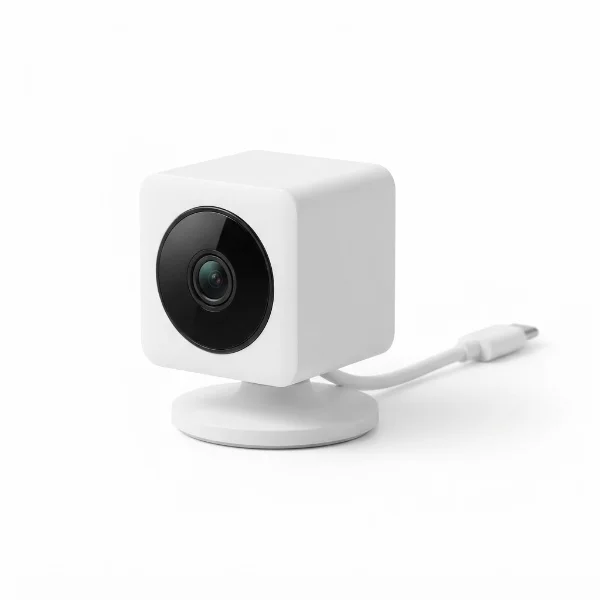
Petcube Cam
Fixed 1080p camera with a 110 degree view, two-way audio and night vision
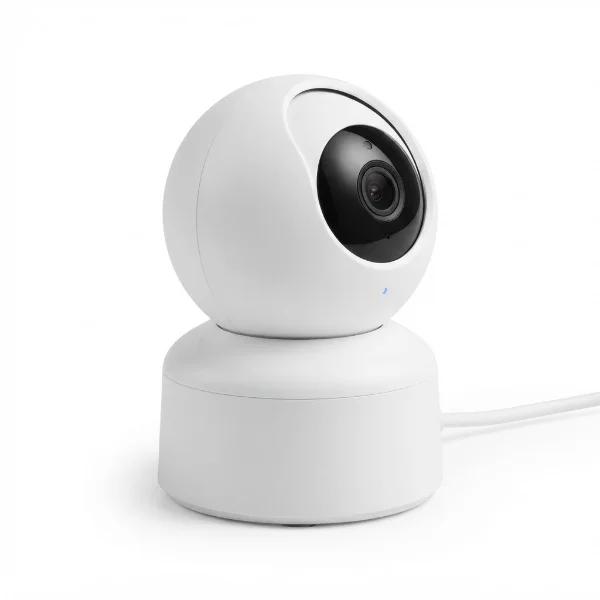
Petcube Pet Cam PT
Pan and tilt rotation for full-room coverage, 2.4GHz Wi-Fi
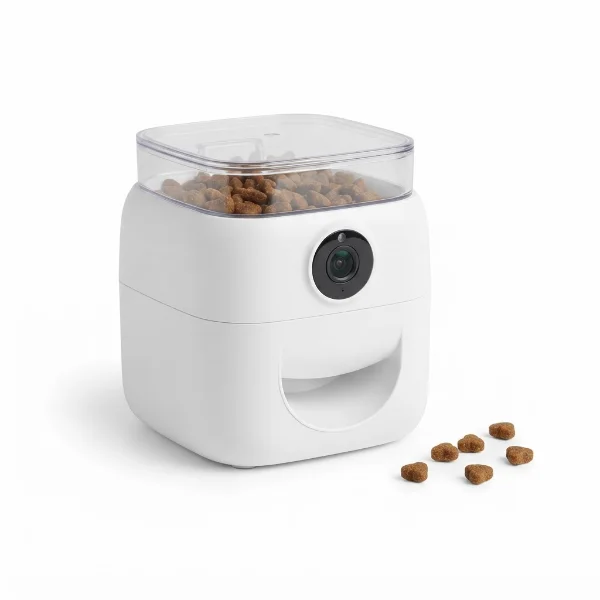
Petcube Bites 2 Lite
Camera with a built-in treat dispenser you control from your phone
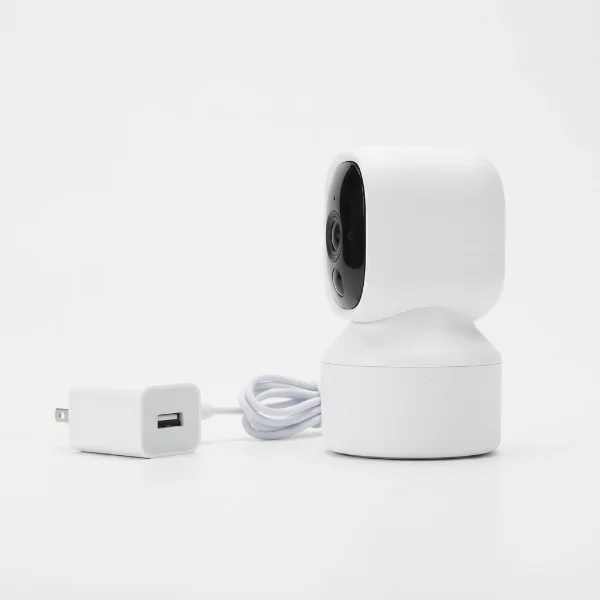
Tapo C200 pan and tilt camera
A simple pan and tilt home camera that suits owners who just want to check in on a pet.
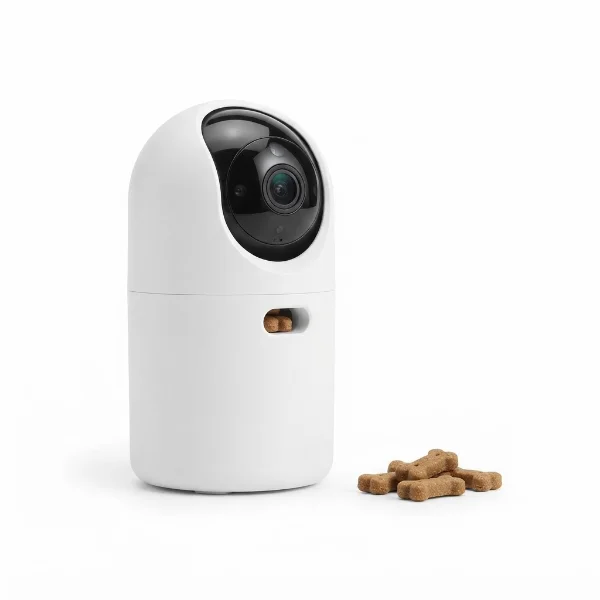
Furbo 360 dog camera
A pet-focused camera for dog owners who want a different brand to compare against Petcube.

Frienhund 7 L feeder with 2K camera
An automatic feeder with a built-in camera, useful if your pet needs timed meals as well as a check-in.
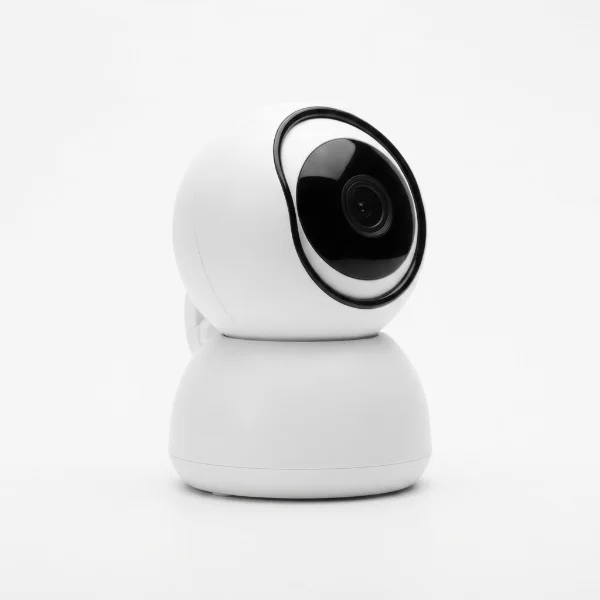
eufy Indoor Cam E30
Another indoor camera to compare if you want a different brand for checking in.

West Paw Toppl
A stuffable toy that gives a dog something to do while the camera watches.
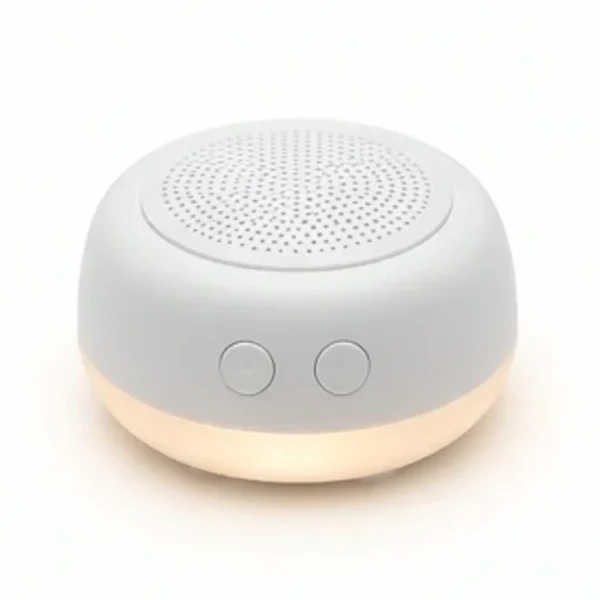
Easysleep white noise machine
Steady background sound can soften street noise while you're out.
Pictures are illustrations, not the actual products.
Check what each listing says about the power adapter before you buy.
Which Petcube camera should you buy?
Buy the Petcube Cam if you want a simple camera with a fixed view. Choose the Cam PT if one spot isn't enough, the 2-pack if you want to watch two rooms, and the Bites 2 Lite if you want to toss a treat from your phone. Match the camera to what you will actually use.
Here is how the four differ in practice:
- Petcube Cam: one fixed camera. Place it where it can see your pet's favourite resting spots.
- Petcube Pet Cam PT: the listing describes a pan-tilt rotation and a 360 degree field of view, so you can look around the room from the app.
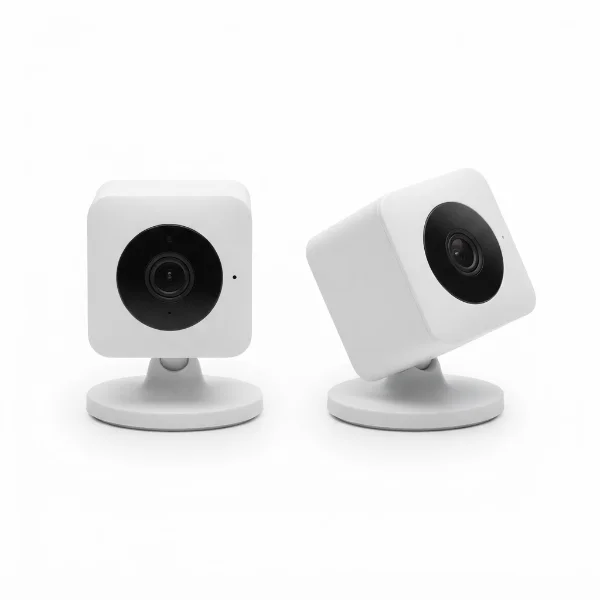
- Petcube Cam 2-pack: two of the fixed Cam, handy for a lounge room and a laundry, or for a home with a cat and a dog in different rooms.
- Petcube Bites 2 Lite: a camera and treat dispenser in one. Treats count toward the day's food, so use part of a meal or small treats from our dog training treats guide.
If you want a treat tosser that rotates and follows your pet, Furbo is the other big name. See our Furbo cameras guide and the comparison below.
What is the difference between Petcube Cam and Cam PT?
The Petcube Cam has a fixed view of 110 degrees. The Cam PT is the pan and tilt version: the listing says the camera rotates, giving a 360 degree field of view, so you can look around the room instead of at one spot. Both are 1080p with night vision and two-way audio.
The Cam PT listing also mentions a privacy mode, where the lens can be physically blocked using the app and the pan-tilt rotation. That is handy if you don't want the camera watching when you are home. The fixed Cam has no such feature on its listing.
If your pet moves around a lot, or a single angle leaves blind spots, the Cam PT is the better fit. If your pet stays in one bed or crate area, the fixed Cam is simpler.
Our picks in detail
1. Petcube Cam: best overall
Petcube's entry-level camera is a small box you point at one spot. The listing gives 1080p video, a 110 degree wide-angle lens, 8x digital zoom, night vision to about 30 feet, two-way audio and motion and sound notifications, and lists Alexa support. There's no treat tosser and the view is fixed, so aim it at your pet's bed or favourite chair.
- Pros: quick to set up; wide lens; two-way audio; night vision; fits a narrow shelf
- Cons: the listing is inconsistent about indoor and outdoor use and about power, so treat it as an indoor, plugged-in camera; no treat tossing; the view is fixed; the listing doesn't state the Wi-Fi band or subscription terms
- Best for: a plain pet camera that lets you check in and say hello
- Skip it if: your pet roams between rooms, or you want treats tossed
2. Petcube Pet Cam PT: best pan and tilt
The pan and tilt version, with 1080p video, a pan-tilt rotation the listing says gives full-room coverage, 8x digital zoom and night vision up to 30 feet. It has two-way audio, a privacy mode and, per the listing, encryption. Motion and sound alerts come with the optional Petcube Care plan, which the listing says includes a trial. It's plugged in, and the listing says it needs 2.4GHz Wi-Fi.
- Pros: pan and tilt; privacy mode that blocks the lens; two-way audio; night vision
- Cons: 2.4GHz Wi-Fi only; alerts and video history need the optional plan; no treat tossing; the listing mixes up model names (Cam 360, Cam PT), so check the model name when it arrives
- Best for: open rooms where a fixed angle leaves blind spots
- Skip it if: your router can't use 2.4GHz, or you want a treat tosser
3. Petcube Cam 2-pack: best for two rooms
Two of the fixed Petcube Cam in one pack, each with 1080p video, a 110 degree view, two-way audio and night vision to about 30 feet. The listing mentions motion and sound alerts, optional Petcube Care plans and a quick set-up, and says the camera works with 2.4GHz Wi-Fi only. It also mentions online vet chat and an emergency fund as optional subscriptions.
- Pros: two cameras for two rooms; two-way audio; night vision; Alexa support per the listing
- Cons: 2.4GHz Wi-Fi only; fixed views; the listing's zoom figures differ between the bullets and the details; no treat tossing
- Best for: homes that want a camera in two spots, such as a lounge and a laundry
- Skip it if: you need just one camera, or want pan and tilt
4. Petcube Bites 2 Lite: best with treat tossing
A camera and treat dispenser in one. The listing says you can fling treats from your phone, control the amount and distance, and set an auto play mode. It lists a 160 degree wide-angle view, two-way audio, night vision and 600 grams of treat storage.
- Pros: treat tossing from the app; auto play mode; two-way audio; wide view
- Cons: the listing contradicts itself on video quality (720p in the details, 1080p in the text), field of view and power, and doesn't say which treat sizes suit it or which Wi-Fi band it uses; check these before you buy; it has no pan and tilt
- Best for: owners who want to reward a calm pet from afar
- Skip it if: you want a fully subscription-free treat camera with clear specs, or a camera that moves
Does Petcube need a subscription?
No. According to Petcube's own plans page, every camera comes with live video streaming at no extra cost, and the paid Petcube Care plans are optional. Without a plan you get live view, but no saved video history, smart alerts or web interface (Petcube Care, page read 1 November 2026).
The listings word this in a similar way. The Cam PT and 2-pack listings call Petcube Care an optional subscription service and mention a trial. The Bites 2 Lite and single Cam listings don't mention a subscription at all, so check the Petcube app's plans before you rely on any cloud feature. Plans change, so read the current page.
What does Petcube Care add?
Petcube Care adds saved video history, smart alerts and a web interface. The Petcube plans page lists a shorter history on the Optimal plan and 90 days on Premium, and lists online vet chat on Premium alone (Petcube Care, page read 1 November 2026). We haven't printed costs because they change.
In plain terms:
- No plan: live video and two-way audio.
- Optimal plan: a short video history, 30-second clips, smart alerts and the web interface, per the plans page.
- Premium plan: the above with a 90 day history, unlimited video downloads, support for unlimited cameras and the online vet chat.
The 2-pack listing also mentions an emergency fund for vet bills and online vet chat, both optional subscriptions. If that matters to you, read the terms in the app first.
Online vet chat is not a replacement for seeing a vet. It can help you decide whether a clinic visit is needed, but it can't examine your pet. If your pet is unwell or hurt, go to your vet or an emergency clinic.
Petcube or Furbo?
Choose Petcube if you want a simple camera that works for live viewing without an ongoing plan, and Furbo if treat tossing and pet-specific alerts matter most. The Furbo listings we checked say a subscription is required to set the camera up, while Petcube's live view works without one.
A few differences from the listings:
- Treat tossing: the Bites 2 Lite tosses treats. The Furbo cameras toss treats and rotate to follow your pet.
- Rotation: the Cam PT pans and tilts, but the Bites 2 Lite and fixed Cam don't move.
- Subscription: Petcube says live view is included; the Furbo listings say a plan is required.
Both brands are tools within a routine, not a fix for a pet who struggles to be alone. For the full Furbo picture, see our Furbo cameras guide.
Does Petcube work with 5GHz Wi-Fi?
No, not on the listings that say. The Cam PT and the 2-pack both state that the camera works with 2.4GHz Wi-Fi and does not support 5GHz. The single Cam and Bites 2 Lite listings don't state a band, so assume 2.4GHz and check the Petcube app's setup notes first.
If your router combines both bands under one network name, look for a 2.4GHz setting in the router app, or set the camera up while your phone is connected to 2.4GHz.
Petcube cameras compared
Details from each Amazon Australia listing, checked on 1 Nov 2026.
| Product | View | Treat tossing | Subscription per listing | Wi-Fi band |
|---|---|---|---|---|
| Petcube Cam | Fixed, 110 degrees, 1080p | No | Not stated | Not stated |
| Petcube Pet Cam PT | Pan and tilt, 360 degrees, 1080p | No | Optional Petcube Care | 2.4GHz, not 5GHz |
| Petcube Cam 2-pack | Fixed, 110 degrees, 1080p | No | Optional Petcube Care | 2.4GHz, not 5GHz |
| Petcube Bites 2 Lite | Wide angle, listing figures conflict | Yes | Not stated | Not stated |
How we chose
We searched Amazon Australia for Petcube cameras, then shortlisted listings that met all of these checks:
- Well rated: a strong average rating with plenty of buyer reviews.
- No red flags: no pattern of poor reviews, safety complaints or listing problems.
- Available on Amazon Australia when we checked.
- Subscription wording: what the listing says about paid plans.
- Resolution and field of view stated on the listing.
- Pan and tilt: whether the camera moves.
- Treat tossing: whether it has a built-in dispenser.
These are researched picks, not products we've personally tested. We compared the specifications and features shown on each Amazon Australia listing, checked on 1 Nov 2026. We didn't accept payment from any brand, and no brand saw this page before it was published.
Left out this time: a UK-import Petcube Cam listing that didn't pass our checks, and older Petcube models that are no longer listed.
Setting up a Petcube
The Cam PT and 2-pack listings say the box includes a 2 m USB cable, a power adapter and 3M tape, so you can fix the camera to a shelf edge or wall out of your pet's reach. Choose a spot with a view of where your pet rests, keep it out of direct sun, and route the cable so it can't be chewed.
- Mounting: the fixed Cam and Bites 2 Lite listings don't say what's in the box, so check before you buy, and use the Cam PT's privacy mode when you're home if you'd rather the lens was blocked.
- Wi-Fi: set up on a 2.4GHz connection if the listing says it needs one.
- Privacy: a camera streams video of your home. Change any default password, keep the app and camera software up to date and turn off remote access you don't use, as the UK National Cyber Security Centre advises for internet-connected cameras (CISA, page read 1 November 2026). Turn on two-step login if the app offers it, and think about where the lens points.
- Heat: keep it out of hot spots. Our summer guide for keeping dogs cool covers the basics.
For more on subscriptions, privacy and what a camera can't fix, see our pet camera guide. If you are weighing a no-frills option, our cat cameras guide covers a simple pan and tilt camera too, and a feeder with a camera may suit pets that need timed meals.
When to get help
Talk to your vet if your camera shows your pet in distress while you're out, such as constant barking or howling, pacing, trying to escape, destroying things or toileting indoors. RSPCA Australia advises raising these concerns with your local vet, who may refer you to a behaviour specialist using humane, reward-based methods (RSPCA Australia, page read 1 November 2026).
A camera doesn't treat separation anxiety, and neither does a tossed treat. Online vet chat isn't for emergencies: if your pet is injured, struggling to breathe or very unwell, go to your vet or an emergency clinic. Save a few short clips to show them, and see is my dog bored? for how boredom and distress can look different.
Frequently asked questions
Is Petcube worth it?
It can be, if you want a simple way to check on your pet and talk to them. Live view works without a paid plan, according to Petcube's plans page. A camera won't fix boredom or anxiety, so use it as a tool alongside walks, play and company.
Is the Petcube Cam 360 the same as the Cam PT?
The Petcube Pet Cam PT listing on Amazon Australia uses both names: its first bullet calls the camera Cam 360 while the title says Cam PT, and both describe a pan-tilt rotation with a 360 degree field of view. The fixed Petcube Cam is a different, non-moving model. Check the model name on the listing before you order.
What is the difference between Petcube Cam and Cam PT?
The Cam has a fixed 110 degree view. The Cam PT can pan and tilt, and its listing gives a 360 degree field of view and a privacy mode that blocks the lens. Pick the PT for open rooms and the fixed Cam for one resting spot.
Can Petcube throw treats?
Yes, the Bites 2 Lite can. Its listing says you can fling treats from your phone, set the amount and distance, and use auto play. The Petcube Cam and Cam PT can't. Treats count toward your pet's daily food, and the listing doesn't say which treat sizes suit it.
Is Petcube or Furbo better?
Neither is better for everyone. Furbo suits owners who want a rotating treat tosser with pet-specific alerts, and its listings say a subscription is required. Petcube suits owners who want a simpler camera with live view included. See our Furbo guide.
Does Petcube work with 5GHz Wi-Fi?
The Cam PT and 2-pack listings say no: they work with 2.4GHz only. The single Cam and Bites 2 Lite listings don't state a band. Set the camera up on a 2.4GHz connection, and check the app's setup notes if your router combines both bands.
Can online vet chat replace a vet visit?
No. The Petcube plans page says Premium includes online vet chat, but chat can't examine your pet. It may help you decide whether a visit is needed. For an injury, breathing trouble or a pet who is very unwell, go straight to your vet or an emergency clinic.
Related guides
- Best pet cameras: treat-tossing dog cams compared
- Furbo cameras: which one to buy
- Pet feeders with a camera, for cats and dogs
- Best cat cameras
- Best dog training treats
- Is my dog bored? Signs and how to tell
Sources
- Petcube: Petcube Care plans, read 1 November 2026
- RSPCA Australia: Is your dog anxious when you're not home?, read 1 November 2026
- CISA: NCSC releases advisory on securing internet-connected cameras (5 March 2020), read 1 November 2026
- Product details from each linked Amazon Australia listing, checked on 1 Nov 2026.
This guide provides general information and isn't a substitute for veterinary advice. If you're concerned about your pet's behaviour when you're out, speak with your vet.